HP ProLiant ML350 G6 Server User Guide
Manuals
Brands
HP Manuals
Server
HP ProLiant ML350 G6 Server
61
62
63
64
65
66
67
68
69
70
Hardware
options i
nstallation
66
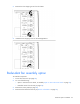
5.
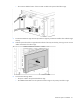
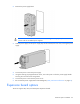
Install the fan in
fan bay 4.
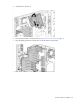
6.
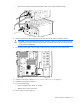
Connect the fan cable to the system board
("
System board com
ponents
" on page
11
).
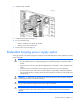
7.
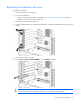
Align the baffle guide posts with the holes on the fan and the system board.
1
...
...
64
65
66
67
68
...
...
144