
HP ProLiant ML310 Generation 4 Server Maintenance and Service Guide

Removal and replacement procedures 33
6.
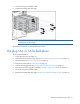
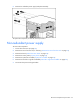
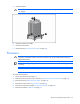
Remove the diskette drive.
To replace the component, reverse the removal procedure.
CD-ROM/DVD-ROM drive
CAUTION: To prevent improper cooling and thermal damage, do not operate the server unless
all bays are populated with either a component or a blank.
To remove the component:
1. Power down the server (on page 25).
2. Remove the server from the rack, if necessary ("Remove the server from the rack" on page 25).
3. Remove the bezel ("Unlock the tower bezel" on page 26).
4. Remove the access panel ("Access panel" on page 26).
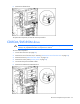
5. Disconnect the power and data cables.
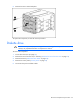
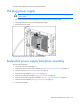
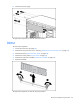
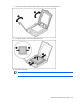
6. Remove the CD-ROM or DVD-ROM drive.