
Intel Matrix Storage Manager User's Manual

“RAID Ready”
R
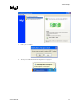
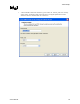
3. Open the Intel® Matrix Storage Console (Start/All Programs/Intel® Matrix Storage
Manager/Intel® Matrix Storage Console)
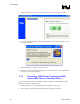
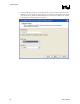
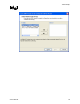
4. Switch to the Advanced mode (View menu, Advanced Mode) as demonstrated in the
following dialog:
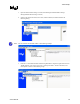
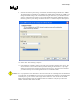
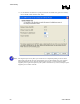
Note: The user interface should look similar to the following example:
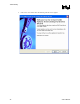
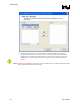
5. Perform a ‘Create RAID Volume from Existing Hard Drive’ migration (right-mouse click on
‘RAID Volumes’ entry in the device tree or select option under ‘Actions’ file menu). The
menu option is shown in the following image:
User's Manual 43