
Intel Matrix Storage Manager User's Manual

“RAID Ready”
R
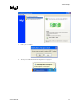
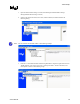
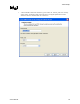
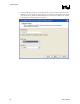
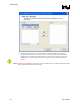
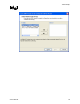
9. While the migration is in progress, the status of the user interface will appear as follows:
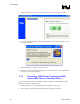
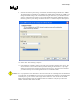
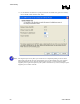
10. A progress dialog will display the status of the migration as a percentage complete, as shown
in the following dialog:
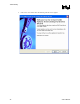
11. When the migration is complete, reboot the system.
12. Optional: Use 3rd party application or Windows* to create and format a new data partition on
unused space, if any (see Note below)
7.3.2 Converting “RAID Ready” System into RAID
System With Three or Four Hard Drives
To turn a RAID Ready system into a RAID 0, RAID 5, or RAID 10 system using three or four
hard drives, complete the following steps:
1. Physically add two or more additional Serial ATA hard drives to the system
2. Boot to Windows* and install the Intel® Matrix Storage Manager (if needed)
42 User's Manual