
SAS SFF 8-bay Drive Cage Installation Instructions, Second Edition - HP ProLiant DL785 G5 Servers
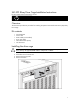

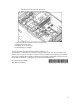
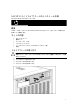
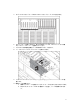

Table Of Contents
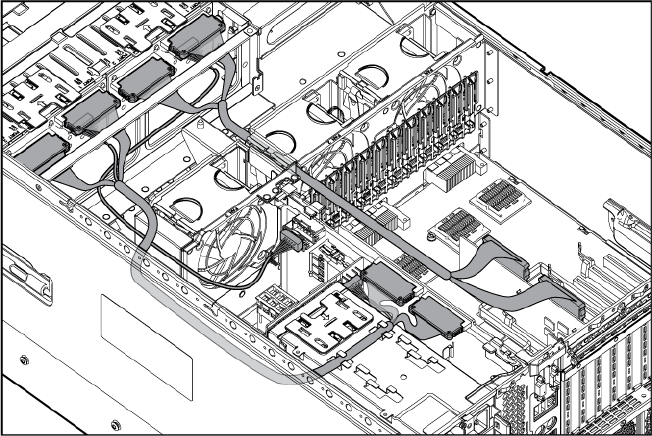
c. Connect the power cord to the SPI board.
d. Return the data cables to their original position.
11. Install hard drives or hard drive blanks into each bay.
12. Replace the access panel.
13. Slide the server into the rack.
14. The installation is complete.
© Copyright 2008 Hewlett-Packard Development Company, L.P.
The information contained herein is subject to change without notice. The only warranties for HP
products and services are set forth in the express warranty statements accompanying such products
and services. Nothing herein should be construed as constituting an additional warranty. HP shall
not be liable for technical or editorial errors or omissions contained herein.
Part NumberAH267-9002B
May 2008 (First Edition)
*AH267-9002B*
3