
SAS SFF 8-bay Drive Cage Installation Instructions, Second Edition - HP ProLiant DL785 G5 Servers
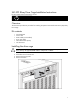

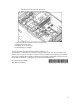
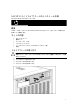
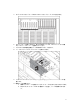

Table Of Contents
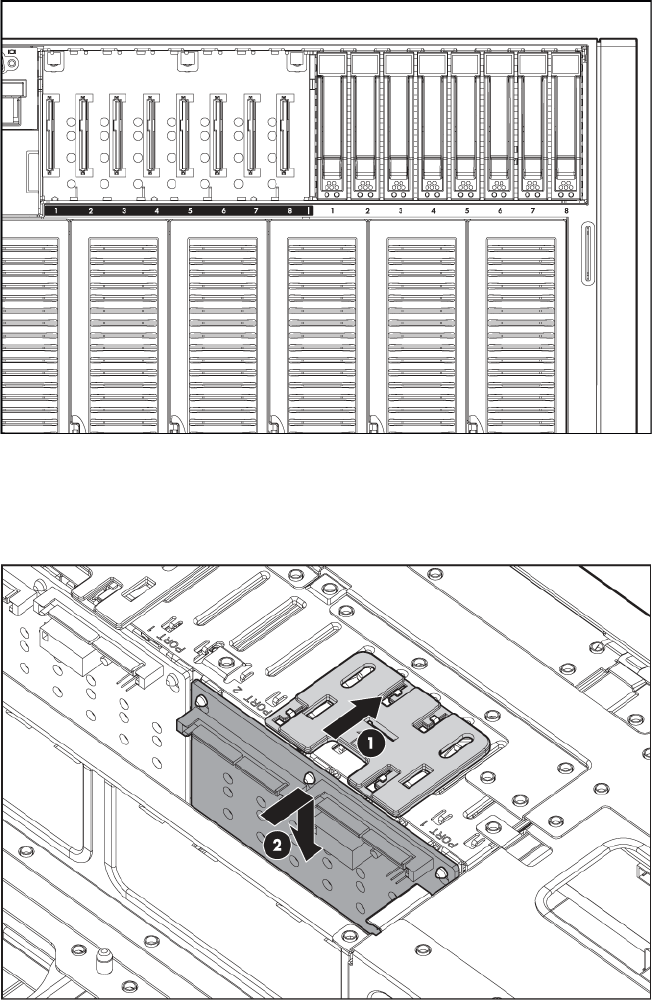
5. Adhere the label to the bezel below the optional drive cage.
6. Install the SAS controller. See the directions provided with the controller for installation
instructions.
7. Slide the plastic retainer to the front of the server.
8. Install the hard drive backplane.
9. Route and connect the data cables from the backplane to the optional controller.
b. Route the power cord under the data cables along the server wall.
10. Route and connect the power cord.
a. Lift the data cables connected to the standard backplane.
2