
ProLiant DL740 Server Maintenance and Service Guide




Table Of Contents
- HP ProLiant DL740 Server Maintenance and Service Guide
- Notice
- Contents
- About This Guide
- Chapter 1: Illustrated Parts Catalog
- Chapter 2: Service Preparation
- Chapter 3: Chassis Components Removal and Replacement Procedures
- Chapter 4: Host Module Removal and Replacement Procedures
- Chapter 5: Power and Media Module Removal and Replacement Procedures
- Chapter 6: Diagnostic Tools
- Chapter 7: Connectors, Switches, and LED Indicators
- Connectors
- System Board
- Switches
- LED Indicators
- System Power LED Switch
- Unit Identification LED Switches (Front and Rear)
- System Interconnect LED Indicators
- System Attention LED Indicators
- System Activity LED Indicators
- Hot-Plug SCSI Hard Drive LED Indicators
- Power Supply LED Indicators
- Hot-Plug Fan LED Indicators
- PCI Hot Plug LED Indicators
- Memory Cartridge LED Indicators
- DIMM Status LED Indicators
- Chapter 8: Physical, Operating, and Performance Specifications
- Index
Service Preparation
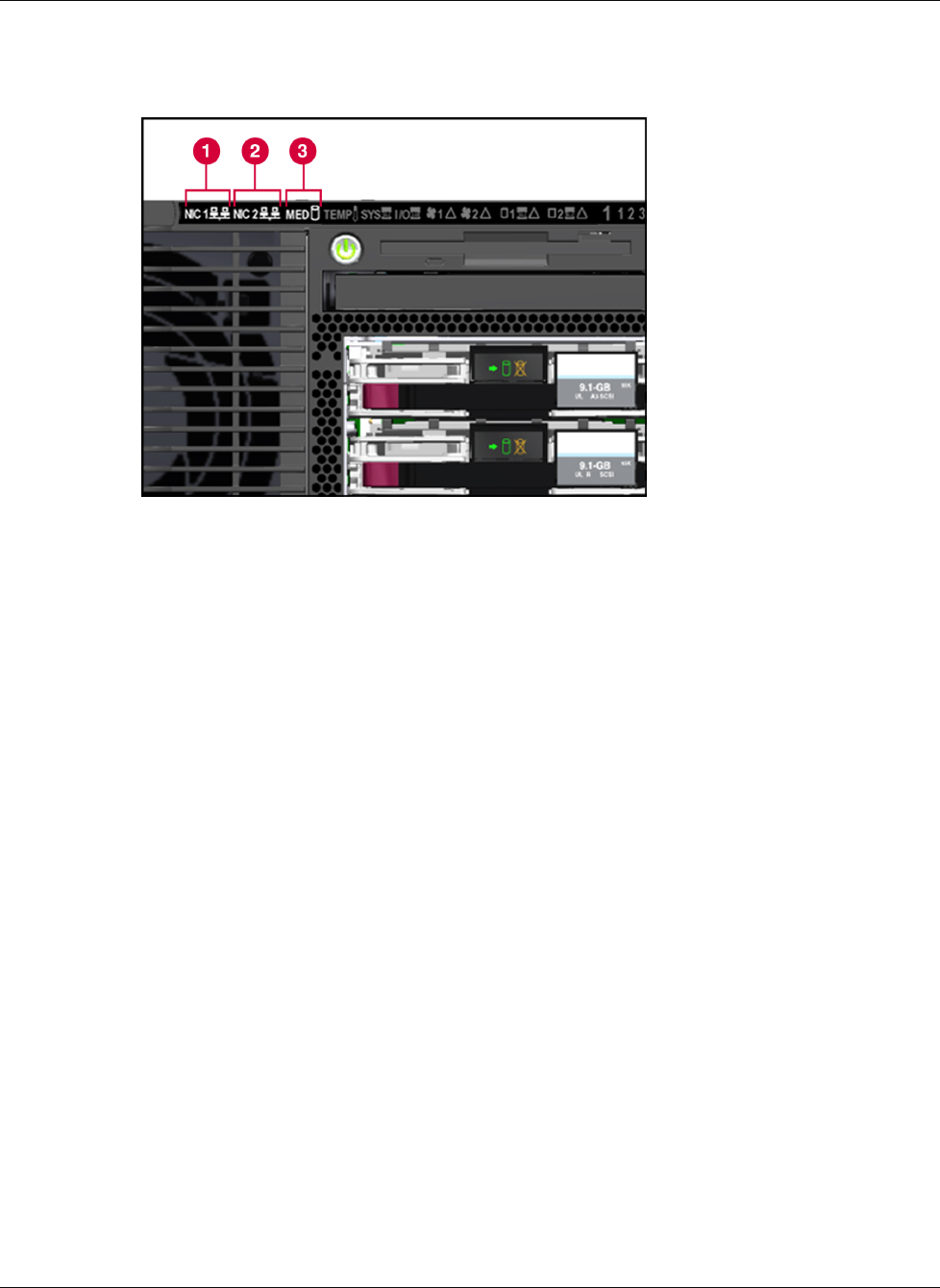
4. The system activity LEDs (NIC1, NIC2, and Media) begin to blink in sequence until the
memory initialization is complete.
Figure 2-5: System activity LEDs
5. Check the hard drive LEDs on the front of the server. The hard drive LEDs should blink.
If the LEDs do not light, verify that the hard drives are fully installed in the system and
that the array bypass is initialized.
6. Check the DIMM status LEDs. The DIMM status LEDs for each cartridge will illuminate
solid and then go out in sequence, beginning with cartridge 1 and ending with cartridge 5
(left to right cartridges 1, 2, 3, 4, 5).
7. Watch for memory system initialization. The memory system initializes as the memory
cartridge power LEDs on all five memory cartridges begin blinking. After the memory
system is initialized, all memory cartridge power LEDs will illuminate solid.
8. The server begins the Power-On Self-Test (POST) sequence.
HP ProLiant DL740 Server Maintenance and Service Guide 2-11
HP CONFIDENTIAL Codename: Jethro Part Number: 270853-004 Last Saved On: 2/10/04 3:46 PM