
HP ProLiant DL585 Generation 5 Server Maintenance and Service Guide

Removal and replacement procedures 42
3.
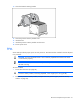
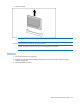
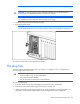
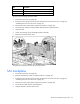
Remove the PPM.
NOTE: The appearance of compatible PPMs may vary.
To replace the component, reverse the removal procedure.
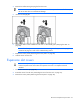
NOTE: The PPM is keyed and the key must be aligned when installed.
DIMMs
1. Power down the server (on page 26).
2. Remove the processor memory module, and open the cover ("Removing the processor memory
module" on page 29).
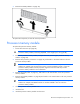
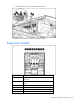
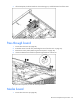
3. Open the DIMM slot latches.