
ProLiant DL580 Generation 5 Maintenance and Service Guide

Removal and replacement procedures 53
4.
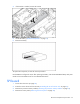
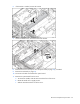
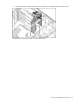
If the bracket is installed, remove the bracket.
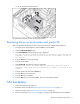
5. Locate the battery ("SPI board components" on page 76).
6. Remove the battery.
To replace the component, reverse the removal procedure.
Run the RBSU to configure the server after replacing the battery. See the HP ROM-Based Setup Utility User
Guide on the Documentation CD for more detailed information.
SPI board
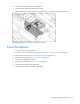
1. Power down the server (on page 26).
2. Extend or remove the server from the rack ("Extending the server from the rack" on page 27).
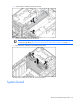
3. Remove the processor memory module ("Removing the processor memory module" on page 29).
4. Remove the access panel ("Removing the access panel" on page 28).