
ProLiant DL580 Generation 5 Maintenance and Service Guide

Removal and replacement procedures 43
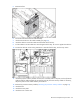
7.
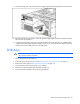
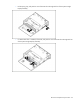
To replace the component, reverse the removal procedure. If a SATA DVD drive is installed, before
installing the Systems Insight Display assembly into the server, route the cable through the open bay,
and then connect the cable to the rear of the DVD drive.
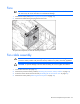
Front bezel
1. Power down the server (on page 26).
2. Extend the server from the rack ("Extending the server from the rack" on page 27).
3. Remove the access panel ("Removing the access panel" on page 28).
4. Remove the processor memory module ("Removing the processor memory module" on page 29).
5. Remove the Systems Insight Display assembly (on page 40).
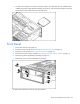
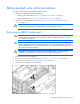
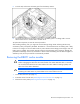
6. Remove the screws, and pull the bezel from the server.
To replace the component, reverse the removal procedure.