
HP ProLiant DL385p Gen8 Server MSG


Removal and replacement procedures 60
6.
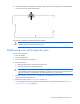
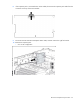
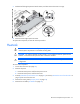
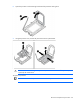
Open the processor socket retaining bracket and the processor locking lever.
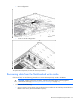
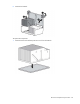
7. Using the processor tool, remove the processor from the system board.
CAUTION: To avoid damage to the processor, do not touch the bottom of the processor,
especially the contact area.
To replace a processor:
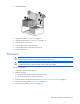
IMPORTANT: Be sure the processor remains inside the processor installation tool.