
HP ProLiant DL385 G6 Server User Guide


Hardware options installation 47
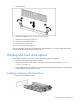
2.
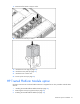
Prepare the hard drive.
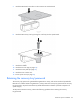
3. Install the hard drive.
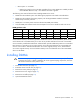
4. Determine the status of the hard drive from the hot-plug SAS hard drive LED combinations ("SAS and
SATA hard drive LED combinations" on page 15).
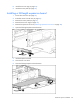
Removing a hot-plug SAS hard drive
CAUTION: For proper cooling do not operate the server without the access panel, baffles,
expansion slot covers, or blanks installed. If the server supports hot-plug components, minimize
the amount of time the access panel is open.
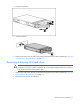
1. Determine the status of the hard drive from the hot-plug SAS hard drive LED combinations ("SAS and
SATA hard drive LED combinations" on page 15).
2. Back up all server data on the hard drive.