
HP ProLiant DL385 Generation 2 Server Maintenance and Service Guide
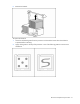
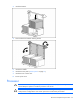
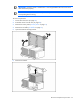
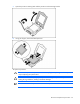
Table Of Contents
- HP ProLiant DL385 Generation 2 Server Maintenance and Service Guide
- Notice
- Contents
- Customer self repair
- Illustrated parts catalog
- Removal and replacement procedures
- Required tools
- Safety considerations
- Preparation procedures
- Access panel
- SAS hard drive blank
- Hot-plug SAS hard drive
- Power supply blank
- Hot-plug power supply
- DC power supply
- Media drive or blank
- Hot-plug fan
- Power supply cage assembly
- Battery-backed write cache procedures
- Air baffle
- Processor fan bracket
- Front bezel
- Systems Insight Display
- Fan board
- Processor fan bracket plate
- Media drive ejector assembly
- PPM
- PPM retainer
- Heatsink
- Processor
- DIMMs
- Power supply backplane
- Hard drive backplane
- Hard drive backplane retainer
- PCI riser cage
- Expansion slot covers
- Expansion slot cover retainer (slots 1 and 2)
- Expansion boards
- Battery
- System board
- I/O fan bracket
- Cabling
- Diagnostic tools
- Component identification
- Front panel components
- Front panel LEDs and buttons
- Rear panel components
- Rear panel LEDs and buttons
- System board
- Systems Insight Display LEDs
- Systems Insight Display LEDs and internal health LED combinations
- Device numbers
- SAS and SATA hard drive LEDs
- SAS and SATA hard drive LED combinations
- PCI riser cage LED
- Battery pack LEDs
- Hot-plug fans (6-fan configuration)
- Hot-plug fans (12-fan configuration)
- Fan board components
- Specifications
- Acronyms and abbreviations
Removal and replacement procedures 59
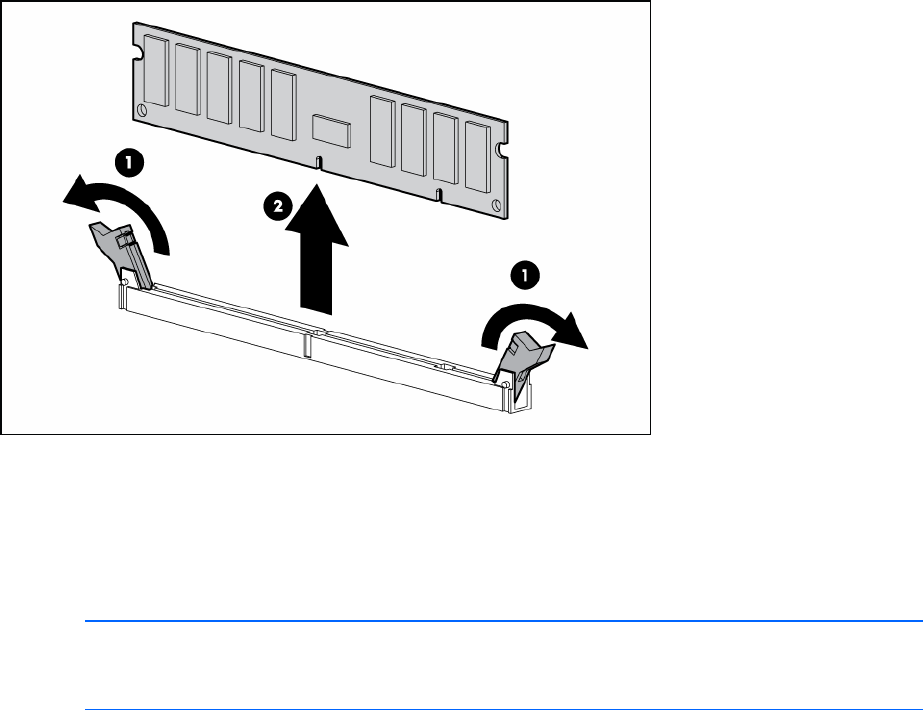
5.
Remove the DIMM.
To replace the component, reverse the removal procedure.
Memory options
You can expand server memory by installing PC2-5300 Registered DDR2 SDRAM DIMMs. The server
supports up to 32 GB of memory using eight 4-GB DIMMs (four DIMMs per processor).
NOTE: The Advanced Memory Protection option in RBSU provides additional memory
protection beyond Advanced ECC. By default, the server is set to Advanced ECC Support. For
more information, refer to "HP ROM-Based Setup Utility (on page 85)."
For DIMM slot locations and bank assignments, see "DIMM slots (on page 94)."
Advanced ECC memory
Advanced ECC memory is the default memory protection mode for this server. In Advanced ECC, the
server is protected against correctable memory errors. The server provides notification if the level of
correctable errors exceeds a pre-defined threshold rate. The server does not fail because of correctable
memory errors. Advanced ECC provides additional protection over Standard ECC because it is possible
to correct certain memory errors that would otherwise be uncorrectable and result in a server failure.
Whereas standard ECC can correct single-bit memory errors, Advanced ECC can correct single-bit
memory errors and multi-bit memory errors if all failed bits are on the same DRAM device on the DIMM.
DIMM installation guidelines
Observe the following guidelines when installing additional memory:
• Always install memory in pairs of two identical DIMMs.
• Install only ECC PC2-5300 Registered DDR2 SDRAM DIMMs that meet the following specifications:
o Supply voltage: 1.8 V
o Bus width: 72 bits