HP ProLiant DL380p Gen8 Server User Guide
Manuals
Brands
HP Manuals
Server
HP ProLiant DL380p Gen8 Server
71
72
73
74
75
76
77
78
79
80
Hardware
options installation
79
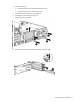
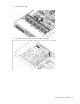
9.
Using a T
-
15 Torx screwdriv
er, remove the two
optical drive ret
aining screws,
and then remove t
he
optical dri
ve cage.
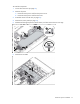
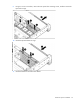
10.
Install the
optional
hard drive cage.
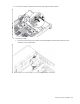
11.
Install th
e hard drives and hard drive blank
s.
1
...
...
77
78
79
80
81
...
...
134