
HP ProLiant DL320s Server Maintenance and Service Guide

Removal and replacement procedures 27
9.
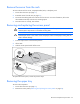
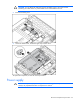
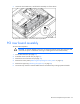
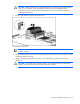
Push the midplane board toward the back of the server to disengage it from the backplanes, and lift
it from the chassis.
To replace the component, reverse the removal procedure.
Hard drive backplanes
To remove the components:
1. Power down the server.
2. Extend the server from the rack (on page 21).
3. Remove the server from the rack (on page 22).
4. Remove all hot-plug hard drives.
5. Remove the access panel ("Removing and replacing the access panel" on page 22).
6. Remove the midplane ("Midplane" on page 26).
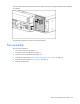
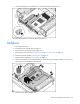
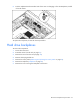
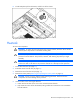
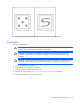
7. Remove the screw securing the backplane to the chassis.