
ProLiant DL320 Generation 3 Server User Guide
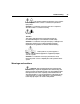
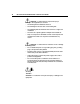
Table Of Contents
- HP ProLiant DL320 Generation 3 Server User Guide
- Notice
- Contents
- Server component identification
- Server operations
- Powering up the server
- Powering down the server
- Preparation procedures
- Extending the server from the rack
- Removing the access panel
- Installing the access panel
- Removing the PCI riser board assembly
- Installing PCI riser board assembly
- Removing the hot-plug SATA backplane
- Removing the fan assembly
- Installing the fan assembly
- Server setup
- Hardware options installation
- Server cabling
- Server software and configuration utilities
- Battery replacement
- Troubleshooting
- Electrostatic discharge
- Regulatory compliance notices
- Regulatory compliance identification numbers
- Federal Communications Commission notice
- Declaration of conformity for products marked with the FCC logo, United States only
- Modifications
- Cables
- Mouse compliance statement
- Canadian notice (Avis Canadien)
- European Union regulatory notice
- Japanese notice
- BSMI notice
- Korean notice A&B
- Laser compliance
- Battery replacement notice
- Taiwan battery recycling notice
- Power cord statement for Japan
- Server specifications
- Technical support
- Acronyms and abbreviations
- Index
72 HP ProLiant DL320 Generation 3 Server User Guide
Important safety information
Familiarize yourself with the safety information in the following sections before
troubleshooting the server.
Important safety information
Before servicing this product, read the Important Safety Information document
provided with the server.
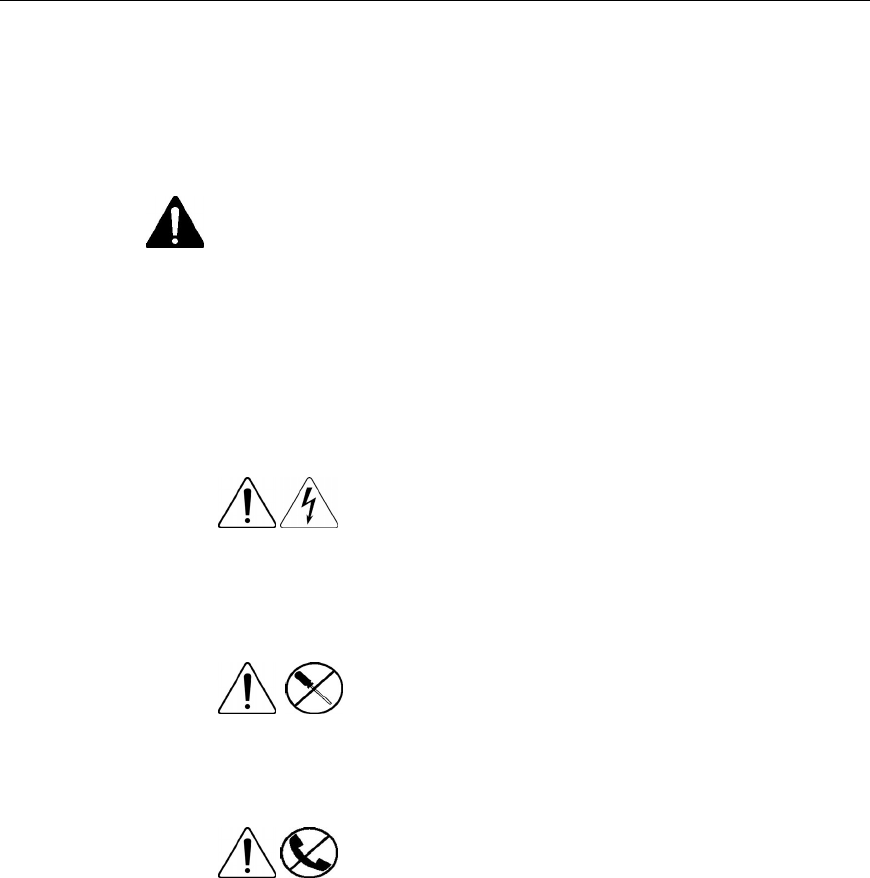
Symbols on equipment
The following symbols may be placed on equipment to indicate the presence of
potentially hazardous conditions.
This symbol indicates the presence of hazardous
energy circuits or electric shock hazards. Refer all servicing to
qualified personnel.
WARNING: To reduce the risk of injury from electric shock
hazards, do not open this enclosure. Refer all maintenance,
upgrades, and servicing to qualified personnel.
This symbol indicates the presence of electric
shock hazards. The area contains no user or field serviceable
parts. Do not open for any reason.
WARNING: To reduce the risk of injury from electric shock
hazards, do not open this enclosure.
This symbol on an RJ-45 receptacle indicates a
network interface connection.
WARNING: To reduce the risk of electric shock, fire, or damage to
the equipment, do not plug telephone or telecommunications
connectors into this receptacle.