
ProLiant DL320 Generation 3 Server User Guide
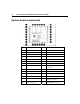
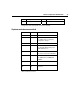
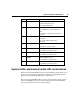
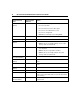
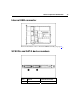
Table Of Contents
- HP ProLiant DL320 Generation 3 Server User Guide
- Notice
- Contents
- Server component identification
- Server operations
- Powering up the server
- Powering down the server
- Preparation procedures
- Extending the server from the rack
- Removing the access panel
- Installing the access panel
- Removing the PCI riser board assembly
- Installing PCI riser board assembly
- Removing the hot-plug SATA backplane
- Removing the fan assembly
- Installing the fan assembly
- Server setup
- Hardware options installation
- Server cabling
- Server software and configuration utilities
- Battery replacement
- Troubleshooting
- Electrostatic discharge
- Regulatory compliance notices
- Regulatory compliance identification numbers
- Federal Communications Commission notice
- Declaration of conformity for products marked with the FCC logo, United States only
- Modifications
- Cables
- Mouse compliance statement
- Canadian notice (Avis Canadien)
- European Union regulatory notice
- Japanese notice
- BSMI notice
- Korean notice A&B
- Laser compliance
- Battery replacement notice
- Taiwan battery recycling notice
- Power cord statement for Japan
- Server specifications
- Technical support
- Acronyms and abbreviations
- Index
14 HP ProLiant DL320 Generation 3 Server User Guide
NMI switch
The NMI switch allows administrators to perform a memory dump before
performing a hard reset. Crash dump analysis is an essential part of eliminating
reliability problems, such as hangs or crashes in operating systems, device
drivers, and applications. Many crashes freeze a system, requiring you to do a
hard reset. Resetting the system erases any information that would support root
cause analysis.
Systems running Microsoft® Windows® operating systems experience a blue
screen trap when the operating system crashes. When this happens, Microsoft®
recommends that system administrators perform an NMI event by pressing a
dump switch. The NMI event enables a hung system to become responsive again.
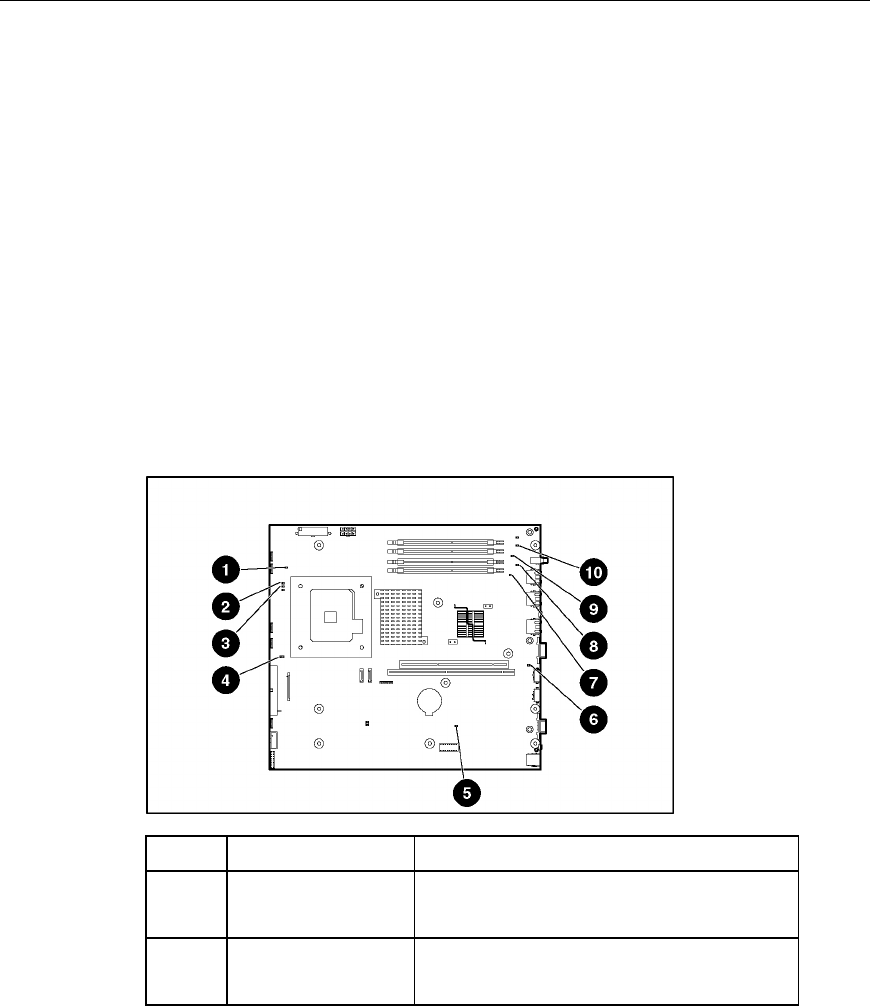
System board LEDs
Item LED Description Status
1 PPM Amber = PPM has failed.
Off = PPM is operating normally.
2 Processor Amber = Processor has failed.
Off = Processor is operating normally.