
HP ProLiant DL185 Generation 5 Server Software Configuration Guide

System BIOS configuration 25
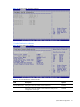
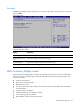
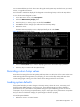
Figure 23 Security menu
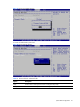
This panel indicates whether or not an Administrator Password has been configured.
To set an administrator password:
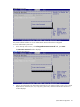
1. In the Security menu screen, in the Change Administrator Password field, press Enter.
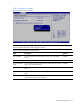
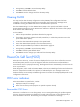
The Enter New Password window displays.
Figure 24 Enter New Password
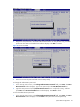
2. Type a new password in the Enter New Password box. The password may consist of up to eight
alphanumeric characters (A-Z, a-z, 0-9), Next, press Enter, and the Confirm New Password
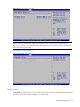
window displays.