
HP ProLiant DL185 Generation 5 Server Maintenance and Service Guide
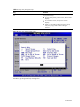
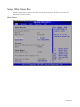
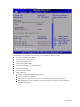
Table Of Contents
- HP ProLiant DL185 Generation 5 Server Maintenance and Service Guide
- Notice
- Contents
- Customer self repair
- Illustrated parts catalog
- Removal and Replacement Procedures
- Connectors, Switches, and LEDs
- Diagnostic tools and Setup Utilities
- Physical and Operating Specifications
- Index
Contents 86
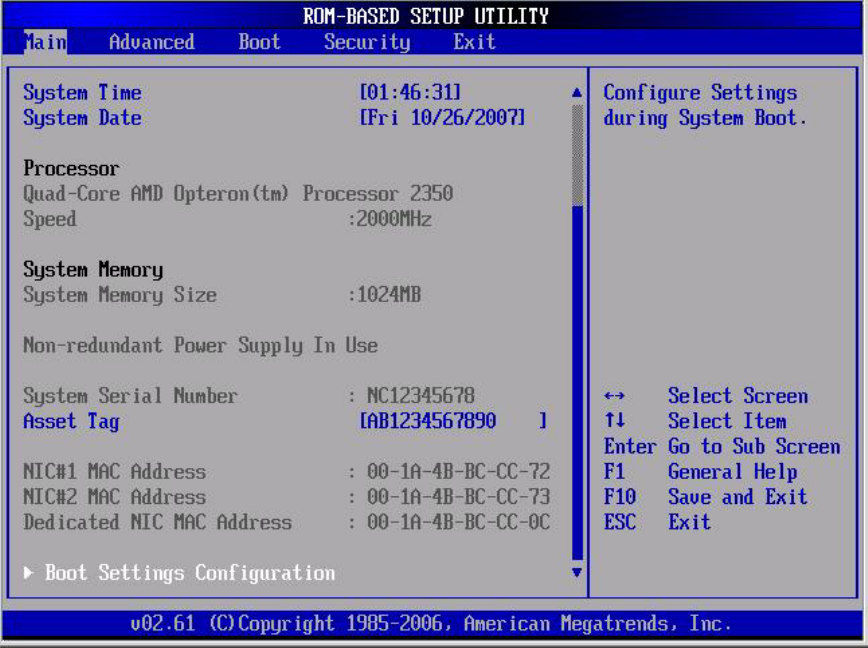
Figure Main menu of the BIOS Setup Utility
Use this menu to set the system time and date, and configure the following items:
• View BIOS build date and version.
• View CPU type / CPU speed.
• View System memory size.
• View System serial number.
• View MAC address for the embedded NIC.
• Set Server Asset Tag.
• Set system time and date.
• Set boot features:
○ Enable or Disable the BIOS summary display.
○ Turn on or off Bootup Num-Lock.
○ Set restore on AC power loss options, such as last state, power off, and power on.
○ If BIOS displays an error message, set POST F1 Prompt for selections, such as delayed,
enabled, or disabled.