
HP ProLiant DL185 Generation 5 Server Maintenance and Service Guide
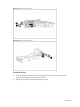
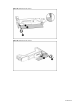
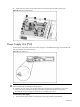
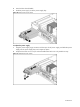
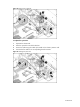
Table Of Contents
- HP ProLiant DL185 Generation 5 Server Maintenance and Service Guide
- Notice
- Contents
- Customer self repair
- Illustrated parts catalog
- Removal and Replacement Procedures
- Connectors, Switches, and LEDs
- Diagnostic tools and Setup Utilities
- Physical and Operating Specifications
- Index
Contents 68
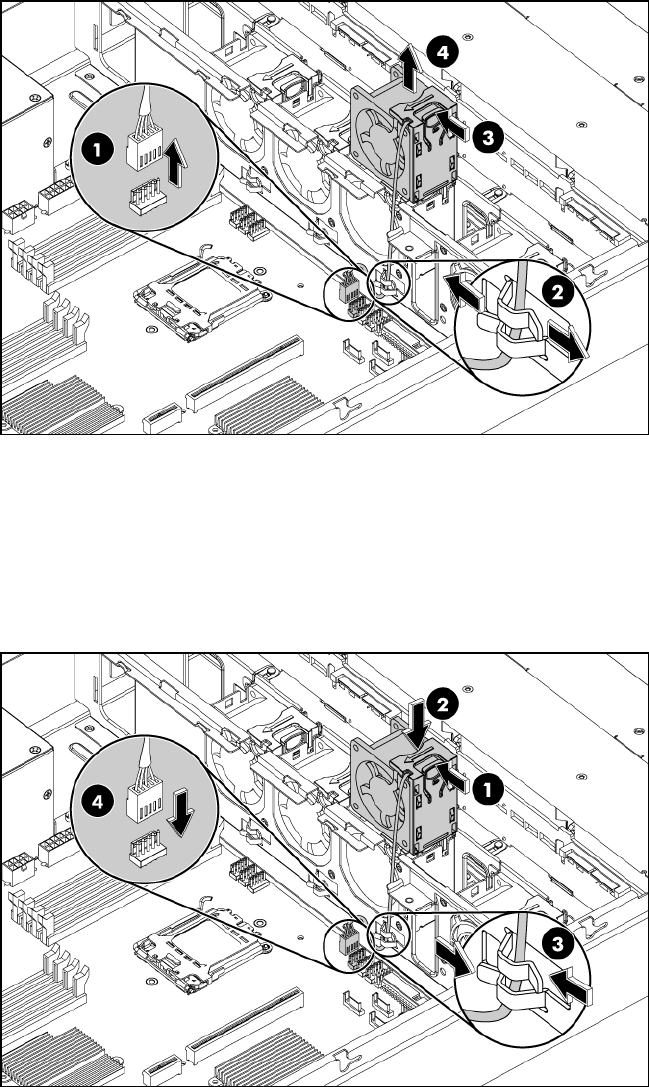
Figure 63 Removing the system fan
To replace the system fan:
1. Squeeze the release tab.
2. Insert the system fan into the fan bracket.
3. Secure the cable using the cable clip located on the chassis’ partition wall.
4. Connect the fan cable to its corresponding board connector.
Figure 64 Installing the system fan