
HP ProLiant DL185 Generation 5 Server Maintenance and Service Guide
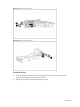
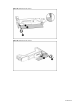
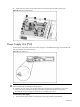
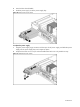
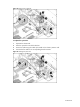
Table Of Contents
- HP ProLiant DL185 Generation 5 Server Maintenance and Service Guide
- Notice
- Contents
- Customer self repair
- Illustrated parts catalog
- Removal and Replacement Procedures
- Connectors, Switches, and LEDs
- Diagnostic tools and Setup Utilities
- Physical and Operating Specifications
- Index
Contents 61
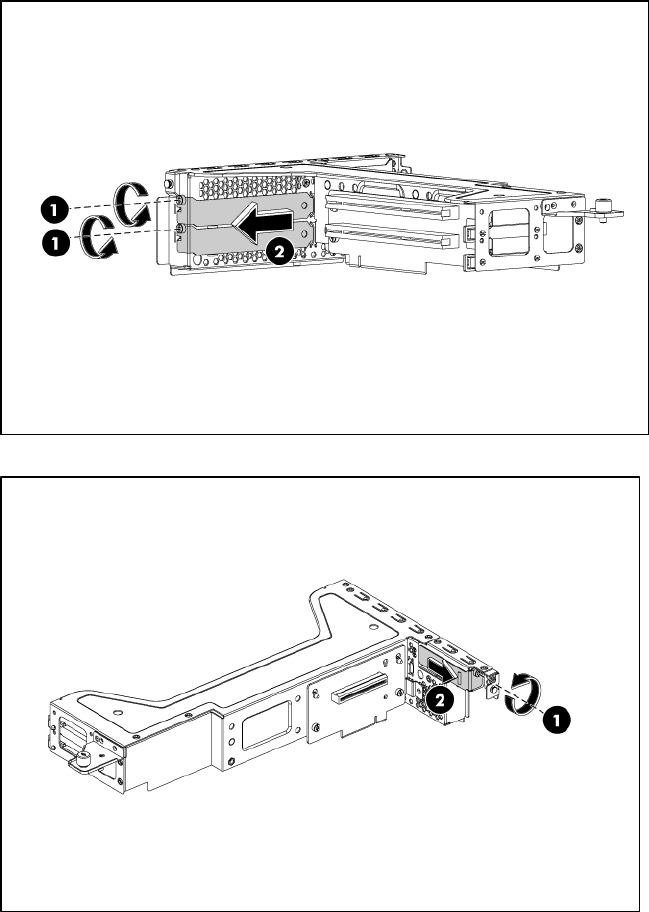
Figure 51 Removing the slot cover (1)
Figure 52 Removing the slot cover (2)
To install the PCI card:
1. Slide the expansion board into the slot, aligning the board with its matching connector.
Firmly press the board to seat it properly on the slot.
2. Tighten the screw that secures the card to the PCI cage.