
HP ProLiant DL185 Generation 5 Server Maintenance and Service Guide
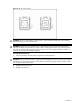
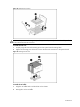
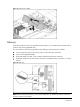
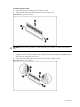
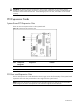
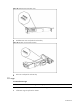
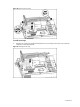
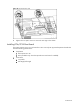
Table Of Contents
- HP ProLiant DL185 Generation 5 Server Maintenance and Service Guide
- Notice
- Contents
- Customer self repair
- Illustrated parts catalog
- Removal and Replacement Procedures
- Connectors, Switches, and LEDs
- Diagnostic tools and Setup Utilities
- Physical and Operating Specifications
- Index
Contents 60
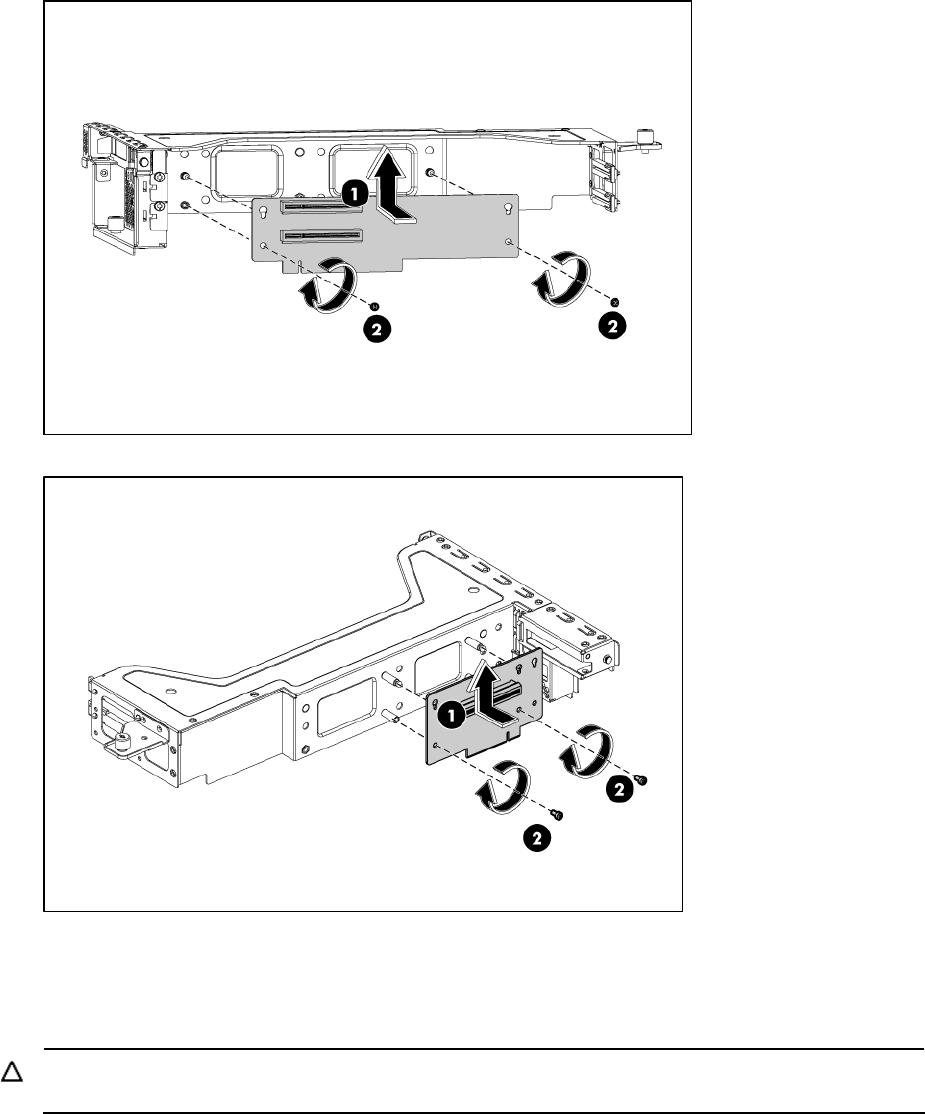
Figure 49 Installing the PCIe Riser card
Figure 50 Installing the PCIe Riser card
To remove the slot cover:
1. Remove the screw(s) that secure(s) the slot cover(s) to the chassis.
2. Remove the slot cover(s) on the PCI cage.
CAUTION: Do not discard the slot cover. If the expansion board is removed in the future, the slot
cover must be reinstalled to maintain proper cooling.