
HP ProLiant DL185 Generation 5 Server Maintenance and Service Guide
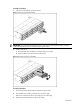
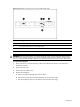
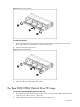
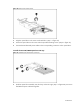
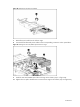
Table Of Contents
- HP ProLiant DL185 Generation 5 Server Maintenance and Service Guide
- Notice
- Contents
- Customer self repair
- Illustrated parts catalog
- Removal and Replacement Procedures
- Connectors, Switches, and LEDs
- Diagnostic tools and Setup Utilities
- Physical and Operating Specifications
- Index
Contents 47
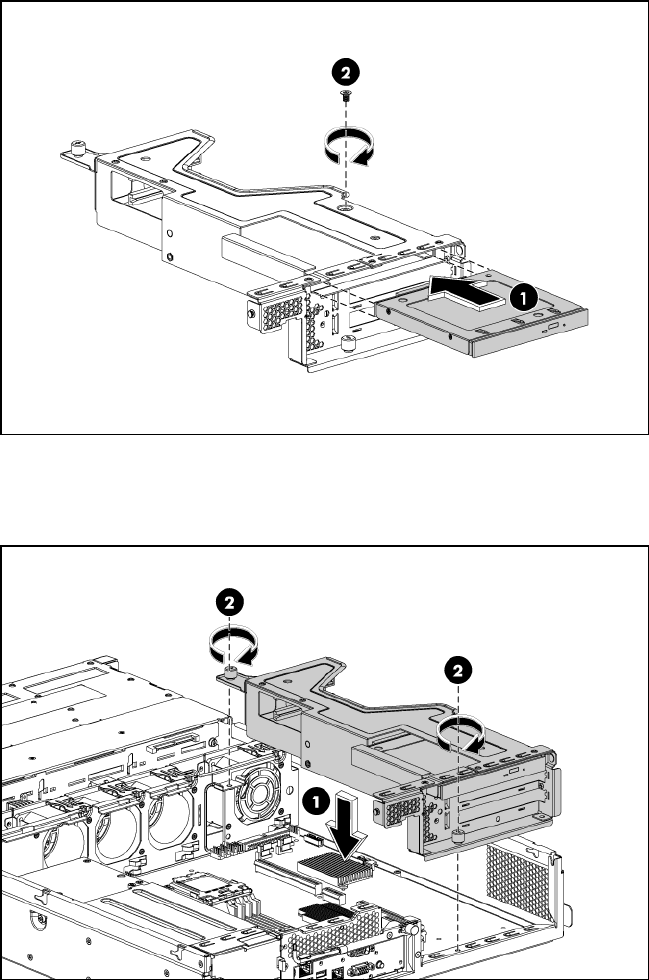
Figure 28 Installing the optical drive assembly
7. Reinstall any PCI cards from the old rear cage.
8. Connect the IDE data and power cables to their corresponding connectors on the optical drive.
Figure 29 Installing the rear DVD/CDRW optical drive PCI cage
9. Install the rear DVD/CDRW optical drive PCI cage to the chassis. (step 1 in figure 29)
10. Tighten the two captive thumbscrews to secure the PCI cage to the chassis. (step 2 in figure 29)