
HP ProLiant DL185 Generation 5 Server Maintenance and Service Guide
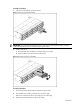
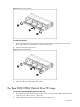
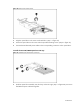
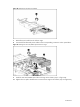
Table Of Contents
- HP ProLiant DL185 Generation 5 Server Maintenance and Service Guide
- Notice
- Contents
- Customer self repair
- Illustrated parts catalog
- Removal and Replacement Procedures
- Connectors, Switches, and LEDs
- Diagnostic tools and Setup Utilities
- Physical and Operating Specifications
- Index
Contents 45
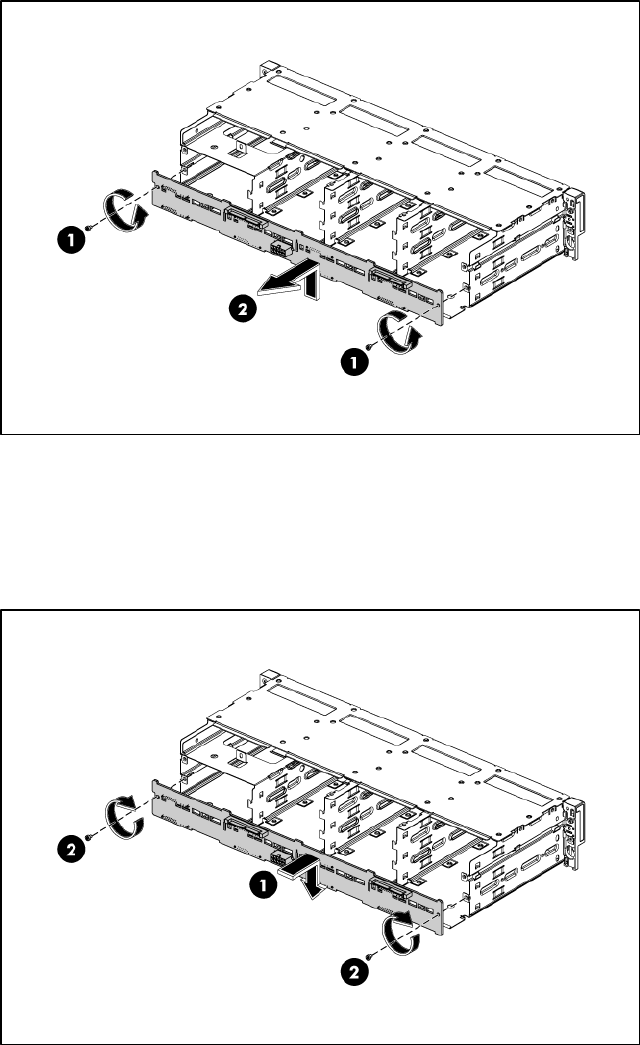
Figure 24 Removing the backplane
To install the backplane:
1. Orient the backplane so that the three notches on the board align with the three hooks on the
drive cage and press the board down until it clicks into place.
2. Secure the backplane with screws.
Figure 25 Installing the backplane
3. Install all cables including optical drive cables.
The Rear DVD/CDRW Optical Drive PCI cage
To remove the Rear DVD/CDRW Optical Drive PCI cage
:
1. Remove the screw that secures the optical drive carrier to the rear DVD/CDRW optical drive PCI
cage using a T-10 driver. (step 1 in figure 26)
2. Pull the optical drive carrier out of the cage. (step 2 in figure 26)