
HP ProLiant DL180 Server Software Configuration Guide

Contents 39
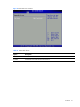
Table 24
Password Check fields
Option Description
Setup Set this value need to check password while invoking the set up utility.
Always Set this value must check password while invoking setup on each boot.
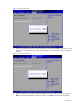
3. Press F10 to save the changes you made and close the Setup Utility.
Exit menu
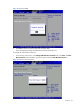
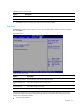
The Exit menu displays several options on how to quit the Setup Utility. Select any of the exit options
then press Enter.
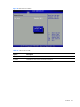
Figure 39 Exit menu
Table 25
Exit menu options
Option Description
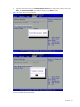
Save Changes and Exit Save the changes made and exit the Setup Utility
Discard Changes and
Exit
Discard the changes and exit the setup utility
Discard Changes Discard the changes in the utility
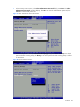
Load Option Default Loads the default settings for all BIOS setup fields.
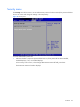
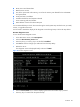
The boot-time diagnostic screen displays basic and important information about the current server
configuration and is necessary for troubleshooting and may be required when asking for technical
support. This information includes:
• Processor specifications