
HP ProLiant DL180 Server Software Configuration Guide

Contents 29
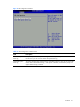
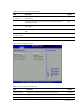
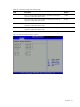
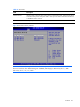
Table 19 Boot Menu
Field Description
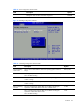
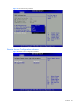
Network Drives Use this screen to network drives in the system. To access this screen, select network drives
on the Boot Setup screen and press <Enter>. Then you can select It as the first boot device
or disabled it as the 1st Drive.
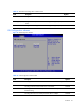
Embedded NIC PXE The option specifies the embedded NIC PXE. The defaults is enabled
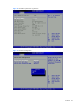
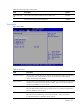
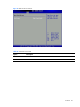
Figure 25 Boot Device Priority submenu
NOTE: Set the boot device options to determine the sequence in which the Server checks which
device to boot from. The default setting are “CDROM”,USB Floppy or Disk-on-key as A :”,”USB
Disk-on-key as C:”,”A:”,”C:”,”NIC:”.