
HP ProLiant DL165 G7 Server Software Configuration Guide

System BIOS configuration 35
Exit menu
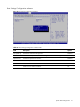
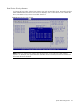
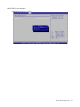
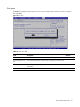
The Exit menu displays several options on how to quit the Setup Utility. Select any of the exit options
then press F10.
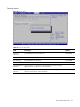
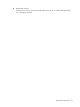
Figure 29 Exit menu
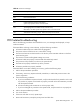
Table 25 Exit menu fields
Field Description Options
Save Changes and Exit Save the changes made and exit the BIOS Setup Utility.
Discard Changes and
Exit
Exit the BIOS Setup utility without saving any changes you have made.
Discard Changes Discard (cancel) any changes you have made. Remain in the BIOS
Setup Utility.
Restore Default Settings Load optimal default values for all the setup questions.