
HP ProLiant DL165 G6 Server Maintenance and Service Guide



Removal and Replacement Procedures 69
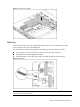
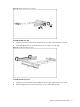
Figure 56 Removing the slot cover (1)
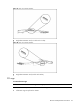
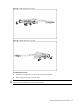
Figure 57 Removing the slot cover (2)
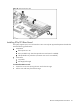
To install the PCI card:
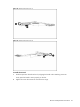
1. Slide the expansion board into the slot, aligning the board with its matching connector.
Firmly press the board to seat it properly on the slot.
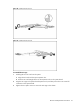
2. Tighten the screw that secures the card to the PCI cage.