
HP ProLiant DL165 G5p Server Software Configuration User Guide




System BIOS configuration 25
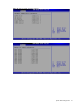
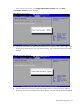
Figure 20 Boot Device Priority submenu
NOTE: When you select a boot category from the boot menu, a list of devices in that category
appears. For example, if the system has three hard disk drives connected, then the list will show all
three hard disk drives attached.
Security menu
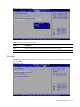
The Security menu allows users to set an administrator password. When entered, this password allows
the user to access and change all settings in the Setup Utility.
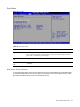
Figure 22 Security menu
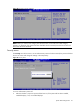
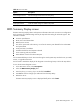
To set an administrator password:
1. Indicates whether a supervisor password has been set, if the password has been installed,
installed displays, if not, not installed displays.