
HP ProLiant DL165 G5p Server Maintenance and Service Guide


Contents 66
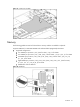
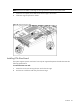
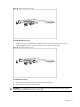
Figure 48 Removing the PCIe riser card
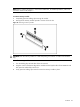
To install the PCIe riser card:
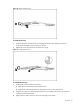
1. Align the two riser card slots to the standoff on the PCI cage, and then push the card up.
2. Install and tighten the two screws that secure the riser card to the PCI cage.
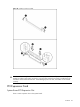
Figure 49 Installing the PCIe riser card
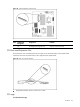
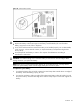
To remove the slot cover:
1. Loosen the screw(s) that secure(s) the slot cover(s) to the chassis.
2. Remove the slot cover(s) on the PCI cage.
CAUTION: Do not discard the slot cover. If the expansion board is removed in the future, the slot
cover must be reinstalled to maintain proper cooling.