
HP ProLiant DL165 G5p Server Maintenance and Service Guide


Contents 62
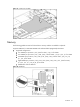
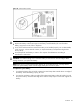
NOTE: Before installing the memory, remove the air baffle first, for detailed procedure, refer to the
‘Processor’ section in this chapter.
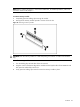
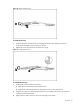
To remove memory module:
1. Completely open the holding clips securing the module.
2. Gently pull the memory module upward to remove it from the slot.
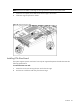
Figure 43 Removing a memory module
CAUTION: Place the memory module on a static-dissipating work surface or inside of an anti-static
bag.
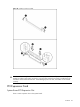
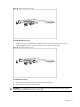
To install a memory module:
1. Turn the holding clips at both sides of the slot outward.
2. Align the notch on the bottom edge of the module with the keyed surface of the DIMM slot and
then press the module fully into the slot.
3. Firmly press the holding clips inward to secure the memory module in place.