
HP ProLiant DL165 Generation 5 Software Configuration Guide

System BIOS configuration 30
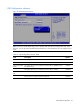
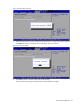
To change the administrator password:
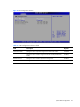
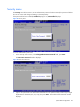
1. In the Security menu screen, in the Change Administrator Password field, press Enter. The Enter
New Password window displays. Type a new password in the Enter New Password box.
2. Type the same password in the Confirm New Password box to verify the first entry, then press
Enter. The Password Installed OK windows display; press Enter to finish. :
To clear the administrator password:
1. In the Security menu screen, in the Change Administrator Password field, press Enter. The Enter
New Password window displays. Directly press Enter button.
To check the administrator password:
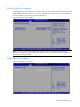
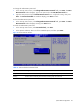
1. In the Security menu screen, select Password Check, press Enter.
2. In the Options submenu, select one of the available options, and then press Enter.
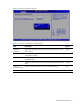
Figure 27 Password Check submenu
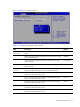
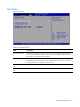
Table 19 Password Check submenu fields
Option
Description
Setup Set this value need to check password while invoking the set up utility.
Always Set this value must check password while invoking setup on each boot.