
HP ProLiant DL165 Generation 5 Software Configuration Guide

System BIOS configuration 29
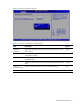
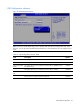
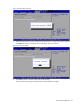
Figure 25 Confirm New Password
3. Type the same password in the Confirm New Password box to verify the first entry, and then
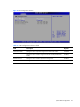
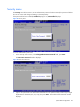
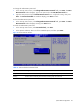
press Enter. The Password Installed windows displays. Press OK to finish.
Figure 26 Password installed
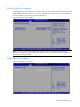
4. Press F10 to save the password and close the Setup Utility.
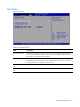
Setup automatically changes the Administrator Password field to Installed.