
HP ProLiant DL160 Generation 5 Server Software Configuration Guide






System BIOS configuration 30
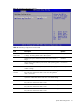
To change the administrator password:
1. In the Security menu screen, in the Change Administrator Password field, press Enter. The Enter
New Password displays. Type a new password in the Enter New Password box.
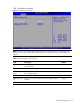
2. Type the same password in the Confirm New Password box to verify the first entry, then press
Enter. The Password Installed OK is displayed. Press Enter to finish.
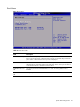
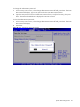
To clear the administrator password:
1. In the Security menu screen, in the Change Administrator Password field, press Enter. The Enter
New Password displays.
2. Press Enter.
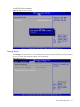
Figure 24 Clear Administrator Password submenu