
ProLiant DL145 Generation 3 Server Maintenance and Service Guide

Removal and replacement procedures 51
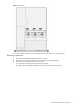
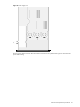
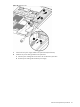
Figure 61 System fans
If a system fan becomes defective, you must replace the fan to allow the server to operate properly.
Removing a system fan
1. Perform the pre-installation procedures described on page 11.
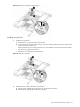
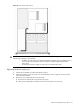
2. Disconnect the 14-pin power cable from the connector on the system board (P22).
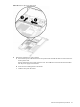
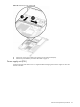
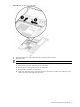
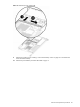
3. Remove the power cable guide above the system fans:
a. Slide the power cable guide away from the power supply.
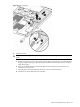
b. Pull the power cable guide toward the front of the server and place it out of the way.