
HP ProLiant DL145 Generation 3 Server Software Configuration Guide

System BIOS configuration 20
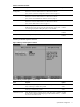
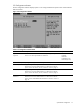
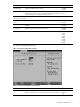
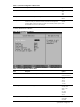
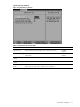
Figure 16 System Event Log example
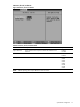
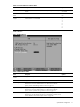
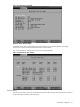
Realtime Sensor Data example
The Realtime Sensor Data window displays the current values for various system temperature and voltage
monitors. The minimum and maximum threshold levels are also indicated.
You can use the Page Up and Page Down keys to browse through the data.
Figure 17 Realtime Sensor Data example
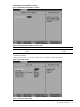
Security menu
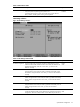
The Security menu allows users to set an administrator password. When entered, this password allows the user to
access and change all settings in the Setup Utility.