
HP ProLiant DL145 Generation 3 Server Software Configuration Guide

System BIOS configuration 19
System Event Log submenu
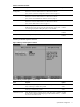
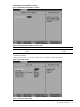
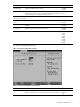
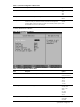
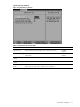
Figure 15 System Event Log submenu
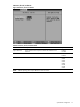
Table 15 System Event Log submenu fields
Field Description Options
Log POST errors Selects whether IPMI records all POST errors in the system event log. Disabled
Enabled
Clear System Event Log Selects whether to delete all system event log (SEL) entries during the next
system startup.
Disabled
Enabled
Existing Event Log
number
Displays the number of recorded SEL entries.
Remaining Event Log
number
Displays the number of remaining SEL entries.
System Event Log (list
mode)
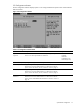
Press Enter to view the SEL in list mode. To view the details of an SEL entry,
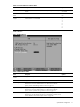
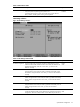
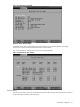
select it, then press Enter. Figure 16 below shows a sample log.