
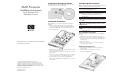
AMD Processor Installation Instructions for HP ProLiant DL145 Generation 2 Sever
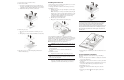
3. Locate the processor you want to remove.
4. Remove the heat sink:
a. Loosen the four spring-loaded screws a few threads out,
observing a diagonally opposite pattern, then loosen them
completely to release the heat sink from the processor base.
b. Lift the heat sink away from the system board.
5. Remove the processor:
a. Disengage the socket retention lever from the processor
base.
b. Grasp the processor by its edges and lift it out of its socket.
6. Place the processor on a static-dissipating work surface or
inside an anti-static bag.
Installing the Processor
1. Perform steps 1 and 2 of the “Removing the Processor” section.
2. Locate an empty processor socket.
3. Disengage the socket retention lever from the processor base.
4. Install the processor:
a. Hold the processor by its edges and align it over the empty
processor socket.
Make sure that pin 1 of the processor (indicated by the gold
triangle on the corner) is properly aligned with hole 1 of the
socket (indicated by a notch). The pins are keyed in such a
way that you cannot install the processor in the wrong
orientation without bending the pins.
b. Insert the processor into the socket.
c. Engage the socket retention lever back into place.
A heat sink must be installed for the processor to function
properly. The heat sink model for your ProLiant server already has
a thermal interface material pre-applied on the bottom protected by
a plastic cover. Make sure that this material has no scratches or
gaps. If it does have any scratches or gaps, contact your
HP Customer Support provider for replacement.
CAUTION: To prevent overheating or a possible system crash, use
only a heat sink model specified for this ProLiant model.
5. Remove and discard the plastic cover protecting the thermal
interface material.
Be careful not to touch or scratch the thermal interface
material.
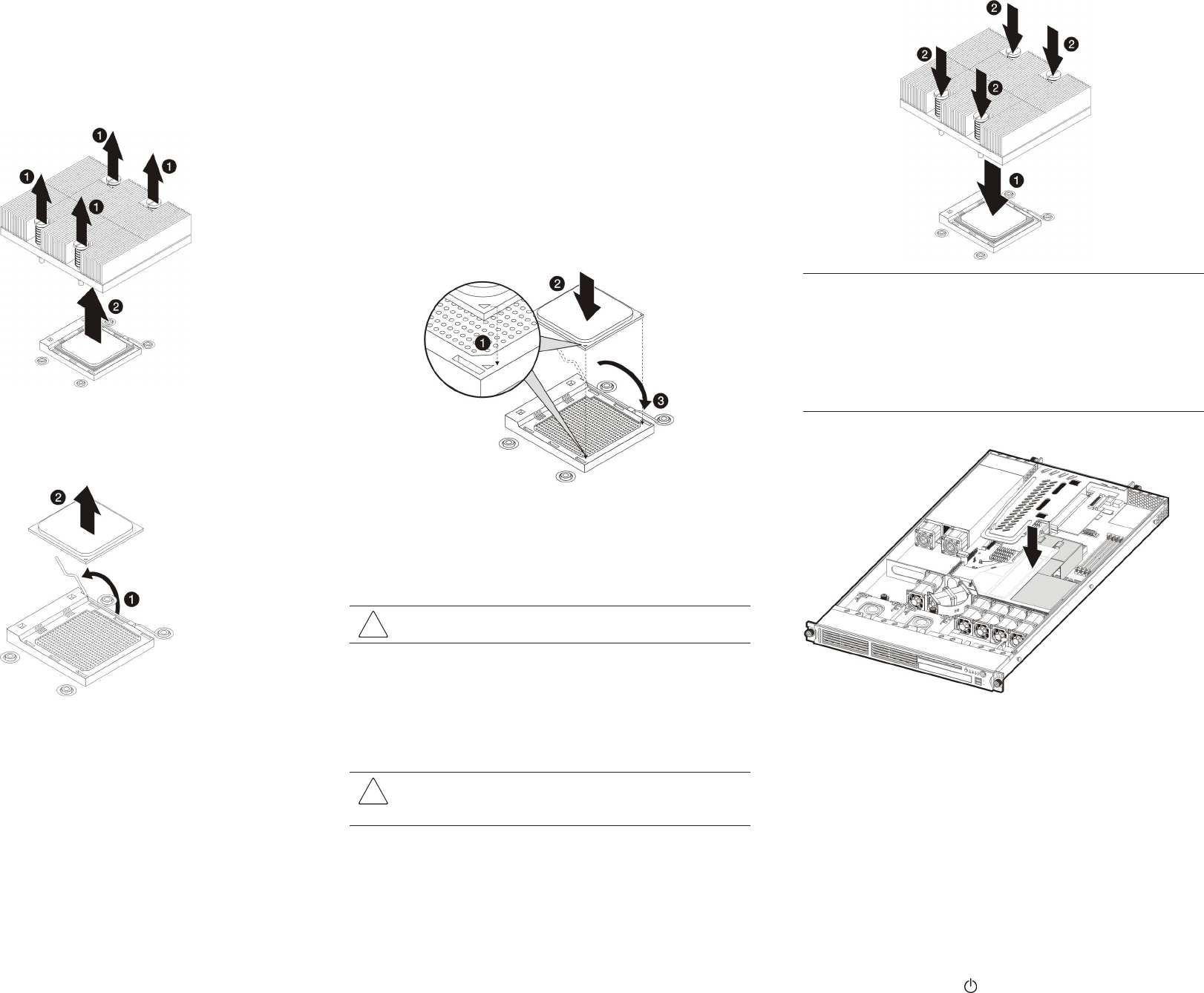
6. Install the heat sink:
a. Align then insert the heat sink on top of the processor.
CAUTION: Do not over tighten the heat sink’s spring-loaded
screws to prevent them from breaking off. A maximum torque of
6 in-lb is set for the system.
b. Tighten the four spring-loaded screws a few threads in,
observing a diagonally opposite pattern, then tighten them
completely to secure the heat sink to the processor base.
IMPORTANT: If the heat sink is removed for any reason, it is critical that
more thermal interface material be applied to the processor's integrated
heat spreader in order to ensure proper thermal bonding between the
processor and the heat sink. Clean the contact surface of both the
processor and heat sink with an alcohol pad, and re-apply a thin layer of an
HP approved thermal interface material before re-installing the processor.
HP recommends using ShinEtsu G751 thermal grease compound for the
ProLiant server.
7. Reinstall the air duct in its place.
8. Perform the post- installation procedures described in the next
section.
Post-installation Procedures
Perform the instructions below after removing or installing a
processor.
1. Be sure all components are installed according to the described
step-by-step instructions.
2. Check to make sure you have not left loose tools or parts inside
the server.
3. Reinstall any expansion board(s), peripheral(s), board cover(s),
and system cable(s) that have previously been removed.
4. Reinstall the top cover.
5. Connect all external cables and the AC power cord to the
system.
6. Press the power button
on the front panel to turn on the
server.