
HP ProLiant DL120 Generation 5 Server Installation Sheet
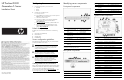
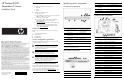
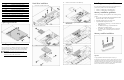
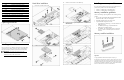
Table Of Contents
Item Code Component
23 HDD4 Reserved SATA HDD cable connector
24 ODD1 ODD SATA cable connector
25 CN14 Trusted Platform Module (TPM) connector
26 HDD3 Reserved SATA HDD cable connector
27 JP7 Clear CMOS jumper
28 HDD1 HDD 1 SATA cable connector
29 Expansion_slot_1 Expansion slot 1 (for riser board)
30 Expansion_slot_2 Expansion slot 2 (for riser board)
31 LED4 DIMM failure LED
Opening the server
Installing a hard drive
The server has two 3.5” HDD bays that support non-hot-plug SATA
and SAS drives. The basic system comes with a single hard drive.
The type and capacity of drives vary based on the server model.
IMPORTANT: SAS hard drives require that you also
install the SAS controller board. This board should be
installed in the low profile riser board slot.
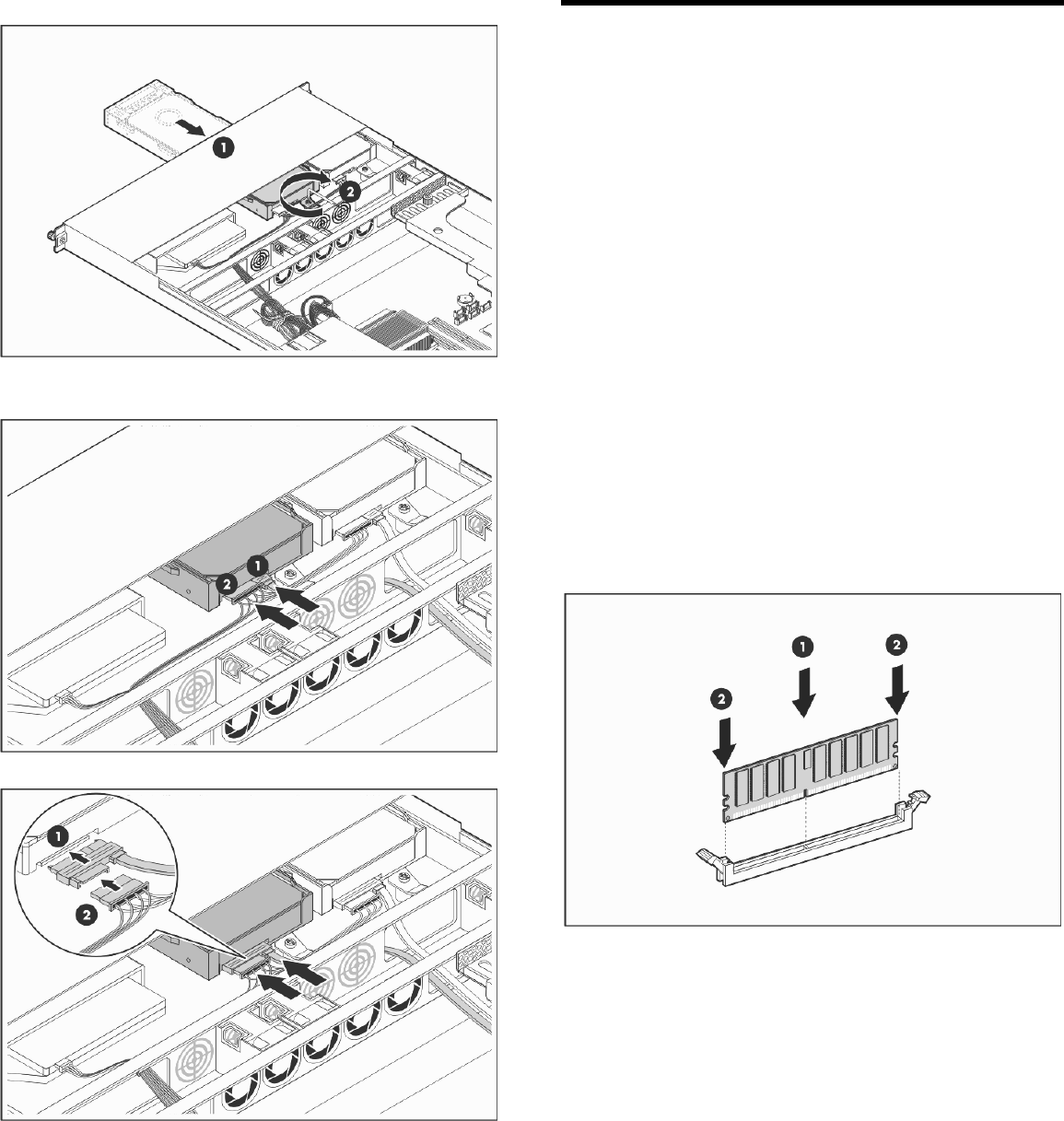
Hard drive installation
1. Remove the secondary access panel.
2. Remove the HDD 2 carrier.
3. Install the new hard drive in the HDD 2 carrier.
4. Install the new hard drive in the HDD 2 bay.
5. Connect the drive’s signal and power cables.
SATA hard drive
SAS hard drive
Installing a memory module
The system has four DIMM slots that support up to 8 GB maximum
system memory (2 GB in each of the four DIMM slots).
• Channel 1 – DIMM_CH1_A and DIMM_CH1_C
• Channel 2 – DIMM_CH2_B and DIMM_CH2_D
Memory installation guidelines
Observe the following important guidelines when installing memory
modules:
• Use only HP supported 667/800 MHz unbuffered ECC DDR II
DIMM in 512 MB, 1 GB, or 2 GB capacities.
• All DIMMs installed must be of the same speed.
• Supported DIMM configurations include:
o Single DIMM (non-interleaving) – It must be installed in the
DIMM_CH1_A slot.
o Two DIMMs (interleaving) – Populate DIMM slots
DIMM_CH1_A and DIMM_CH2_B.
o Four DIMMs – For optimum performance, the amount of
memory in channel 1 should be equal to the amount in
channel 2.
Memory module installation
Legal notices
© Copyright 2008 Hewlett-Packard Development Company, L.P.
The information contained herein is subject to change without notice. The only
warranties for HP products and services are set forth in the express warranty
statements accompanying such products and services. Nothing herein should
be construed as constituting an additional warranty. HP shall not be liable for
technical or editorial errors or omissions contained herein.