
HP ProLiant BL685c G7 Server Blade Maintenance and Service Guide


Removal and replacement procedures 41
15.
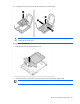
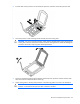
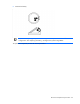
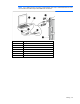
Using the processor tool, remove the processor from the system board.
CAUTION: To avoid damage to the processor, do not touch the bottom of the processor,
especially the contact area.
To replace the system board:
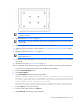
1. Remove the processor socket protective cover.
2. Install the processor socket cover onto the processor socket of the failed system board.
IMPORTANT: Be sure the processor remains inside the processor installation tool.