
HP ProLiant BL685c G7 Server Blade Maintenance and Service Guide


Removal and replacement procedures 29
4.
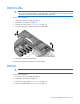
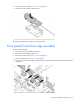
Remove the mezzanine card.
To replace the component:
CAUTION: To prevent damage to the server blade, apply pressure over the mezzanine
connector when installing the mezzanine card. Do not apply pressure to the edges of the card.
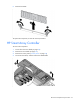
1. Install the mezzanine card. Press down on the connector to seat the board.
2. Install the access panel ("Access panel" on page 24).
Cache module capacitor pack
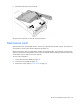
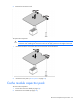
To remove the component:
1. Power down the server blade (on page 22).
2. Remove the server blade (on page 23).