
HP ProLiant BL685c G6 Server Blade User Guide

Hardware options installation 36
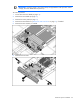
13.
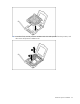
Close the processor retaining bracket and the processor retaining latch.
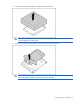
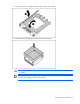
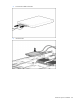
14. Remove the thermal interface protective cover from the heatsink.
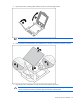
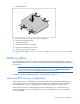
CAUTION: Heatsink retaining screws should be tightened in diagonally opposite pairs (in an
"X" pattern).
IMPORTANT: When installing the heatsink, align the guide pins on the processor retention
bracket with the alignment holes in the heatsink.