
HP ProLiant BL685c Generation 5 Server Maintenance and Service Guide

Removal and replacement procedures 46
CAUTION: To avoid damage to the system board:
• Do not touch the processor socket contacts.
• Always install the processor socket cover after removing the processor from the socket.
• Do not tilt or slide the processor when lowering the processor into the socket.
CAUTION: To avoid damage to the processor:
• Handle the processor only by the edges.
• Do not touch the bottom of the processor, especially the contact area.
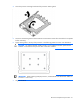
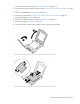
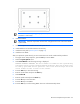
16. Remove the failed system board.
To replace the system board:
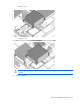
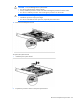
1. Install the spare system board.
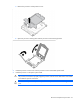
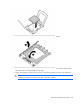
2. Prepare the processor socket on the spare system board: