
HP ProLiant BL620c G7 Server Blade Maintenance and Service Guide
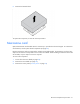
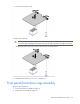
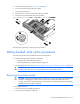
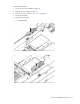
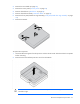
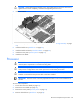
Table Of Contents
- HP ProLiant BL620c G7 Server Blade Maintenance and Service Guide
- Abstract
- Notice
- Contents
- Customer self repair
- Illustrated parts catalog
- Removal and replacement procedures
- Required tools
- Safety considerations
- Server blade preparation
- Access panel
- Hard drive blank
- Hard drive
- Mezzanine connector cover
- Left DIMM baffle
- Right DIMM baffle
- DIMM
- Heatsink blank
- Mezzanine card
- Front panel/hard drive cage assembly
- Battery-backed write cache procedures
- Heatsink
- Processor
- System board
- System battery
- Server blade release lever
- Release button
- HP Trusted Platform Module
- Diagnostic tools
- Server component identification
- Cabling
- Specifications
- Acronyms and abbreviations
- Index
Removal and replacement procedures 31
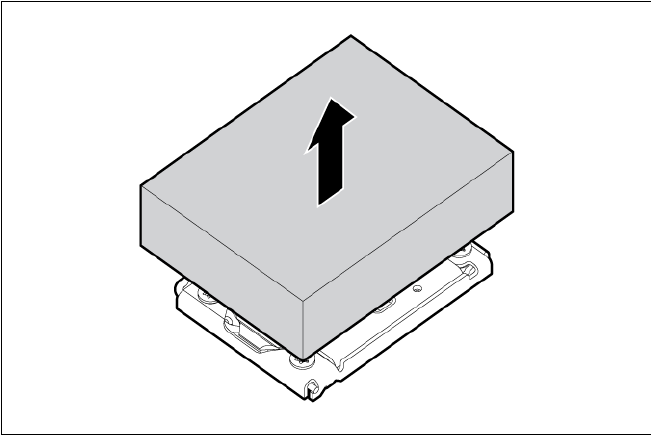
5.
Remove the heatsink blank.
To replace the component, reverse the removal procedure.
Mezzanine card
Optional mezzanine cards enable network connectivity or provide Fibre Channel support. For mezzanine
card locations, see the system board components (on page 62).
Because mezzanine cards are supported on multiple server blade models, the mezzanine card may have
captive screws that are not required to secure it to the server blade. When installing a mezzanine card in this
server blade, only two captive screws are required.
To remove the component:
1. Power down the server blade (on page 23).
2. Remove the server blade (on page 24).
3. Remove the access panel ("Access panel" on page 25).