
HP ProLiant BL465c G7 Server Blade Maintenance and Service Guide

Removal and replacement procedures 37
9.
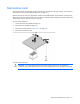
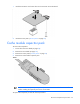
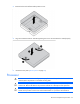
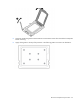
Using the processor tool, remove the processor from the system board.
CAUTION: To avoid damage to the processor, do not touch the bottom of the processor,
especially the contact area.
To replace the component:
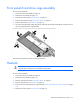
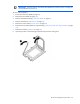
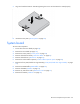
IMPORTANT: Be sure the processor remains inside the processor installation tool.
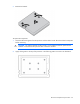
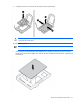
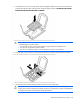
1. If the processor has separated from the installation tool, carefully re-insert the processor in the tool.
Handle the processor by the edges only, and do not touch the bottom of the processor, especially the
contact area.