
HP ProLiant BL460c G6 Server Blade User Guide
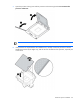
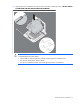
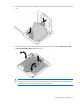
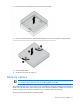
Table Of Contents
- HP ProLiant BL460c G6 Server Blade User Guide
- Abstract
- Notice
- Contents
- Component identification
- Operations
- Setup
- Hardware options installation
- Introduction
- Hard drive option
- Processor option
- Memory options
- Mezzanine card option
- Cache module and battery pack option
- HP Trusted Platform Module option
- Cabling
- Software and configuration utilities
- Troubleshooting
- Battery replacement
- Regulatory compliance notices
- Regulatory compliance identification numbers
- Federal Communications Commission notice
- Declaration of conformity for products marked with the FCC logo, United States only
- Modifications
- Cables
- Canadian notice (Avis Canadien)
- European Union regulatory notice
- Disposal of waste equipment by users in private households in the European Union
- Japanese notice
- BSMI notice
- Korean notice
- Chinese notice
- Laser compliance
- Battery replacement notice
- Taiwan battery recycling notice
- Acoustics statement for Germany (Geräuschemission)
- Electrostatic discharge
- Specifications
- Technical support
- Acronyms and abbreviations
- Index
Hardware options installation 27
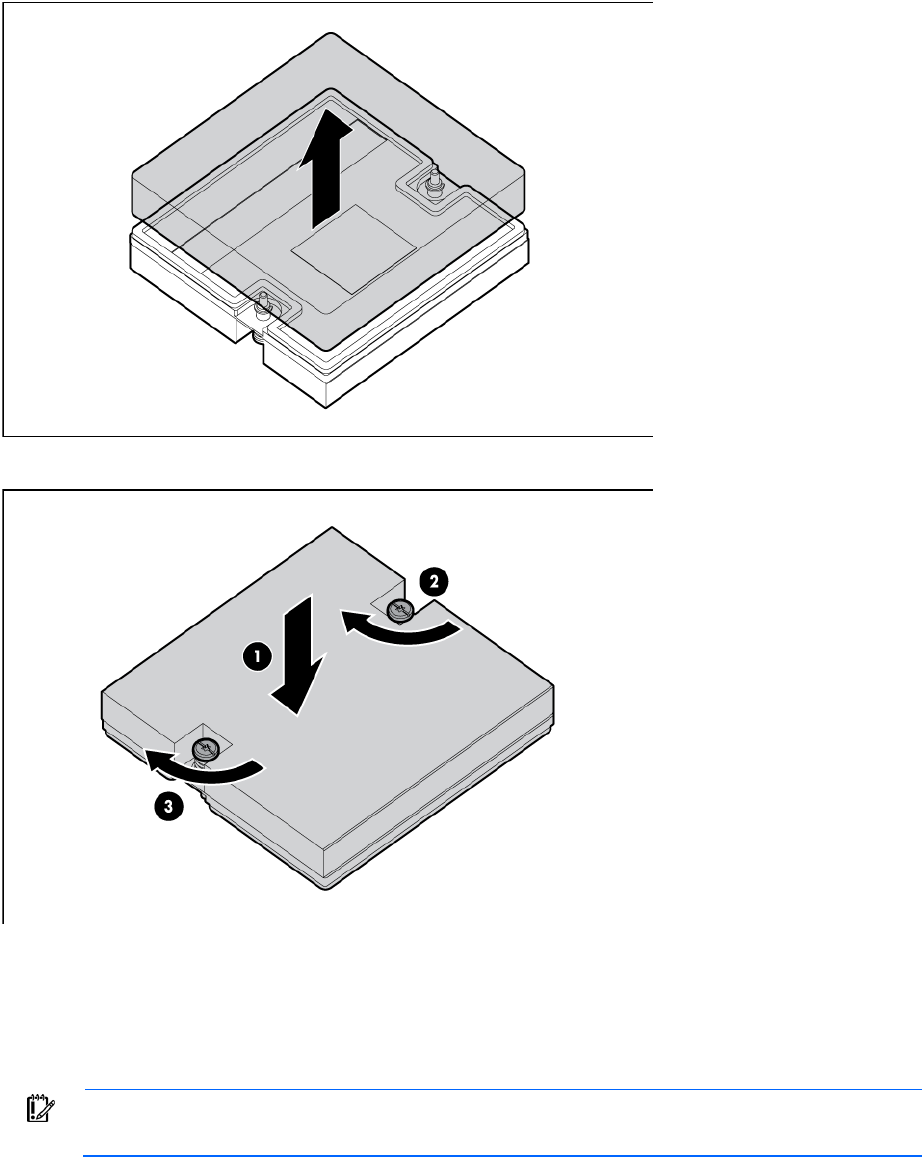
12. Remove the thermal interface protective cover from the heatsink.
13. Align and install the heatsink. Alternate tightening the screws until the heatsink is seated properly.
14. Install all DIMM baffles.
15. Install the access panel (on page 14).
Memory options
IMPORTANT: This server blade does not support mixing RDIMMs and UDIMMs. Attempting to
mix these two types causes the server to halt during BIOS initialization.
The memory subsystem in this server blade can support RDIMMs or UDIMMs. Both types are referred to as
DIMMs when the information applies to both types. When specified as RDIMM or UDIMM, the information
applies to that type only. All memory installed in the server blade must be the same type.
The server blade supports the following DIMM speeds: