
HP ProLiant BL420c Gen8 Server Blade MSG

Removal and replacement procedures 31
2.
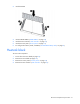
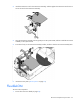
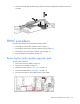
Install the DIMM.
3. Install all DIMM baffles ("DIMM baffles" on page 28).
4. Install the SAS controller ("SAS controller" on page 27).
5. Install the access panel ("Access panel" on page 24).
6. To configure the memory mode, use RBSU ("HP ROM-Based Setup Utility" on page 61).
Heatsink blank
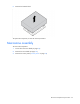
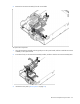
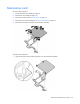
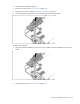
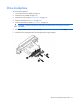
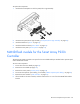
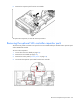
To remove the component:
1. Power down the server blade (on page 22).
2. Remove the server blade (on page 23).
3. Remove the access panel ("Access panel" on page 24).
4. Remove the SAS controller ("SAS controller" on page 27).