
ProLiant BL35p Server Blade Maintenance and Service Guide
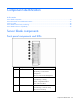
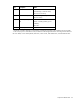
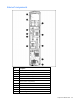
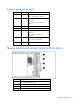
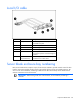
Table Of Contents
- HP ProLiant BL35p Server Blade Maintenance and Service Guide
- Notice
- Contents
- Illustrated parts catalog
- Removal and replacement procedures
- Safety considerations
- Preparation procedures
- ATA drive cage assembly
- ATA hard drive option
- SAS drive cage assembly
- SAS hard drive option
- SAS controller and cables
- Air baffle (dual-core processor models only)
- DIMMs
- Processor
- Fan assembly
- Dual Port Fibre Channel Adapter (2 GB)
- NIC riser board
- Power converter module
- Power button/LED cable
- Server blade handle
- System board assembly
- Server blade blanks
- HP BladeSystem p-Class sleeve
- HP BladeSystem p-Class sleeve board
- Diagnostic tools
- Component identification
- Specifications
- Acronyms and abbreviations
- Index
Component identification 34
Component identification
In this section
Server blade components........................................................................................................................ 34
Sleeve board and server blade LED locations ............................................................................................ 37
Local I/O cable ..................................................................................................................................... 38
Server blade enclosure bay numbering..................................................................................................... 38
Server blade enclosure compatibility ........................................................................................................ 39
Server blade components
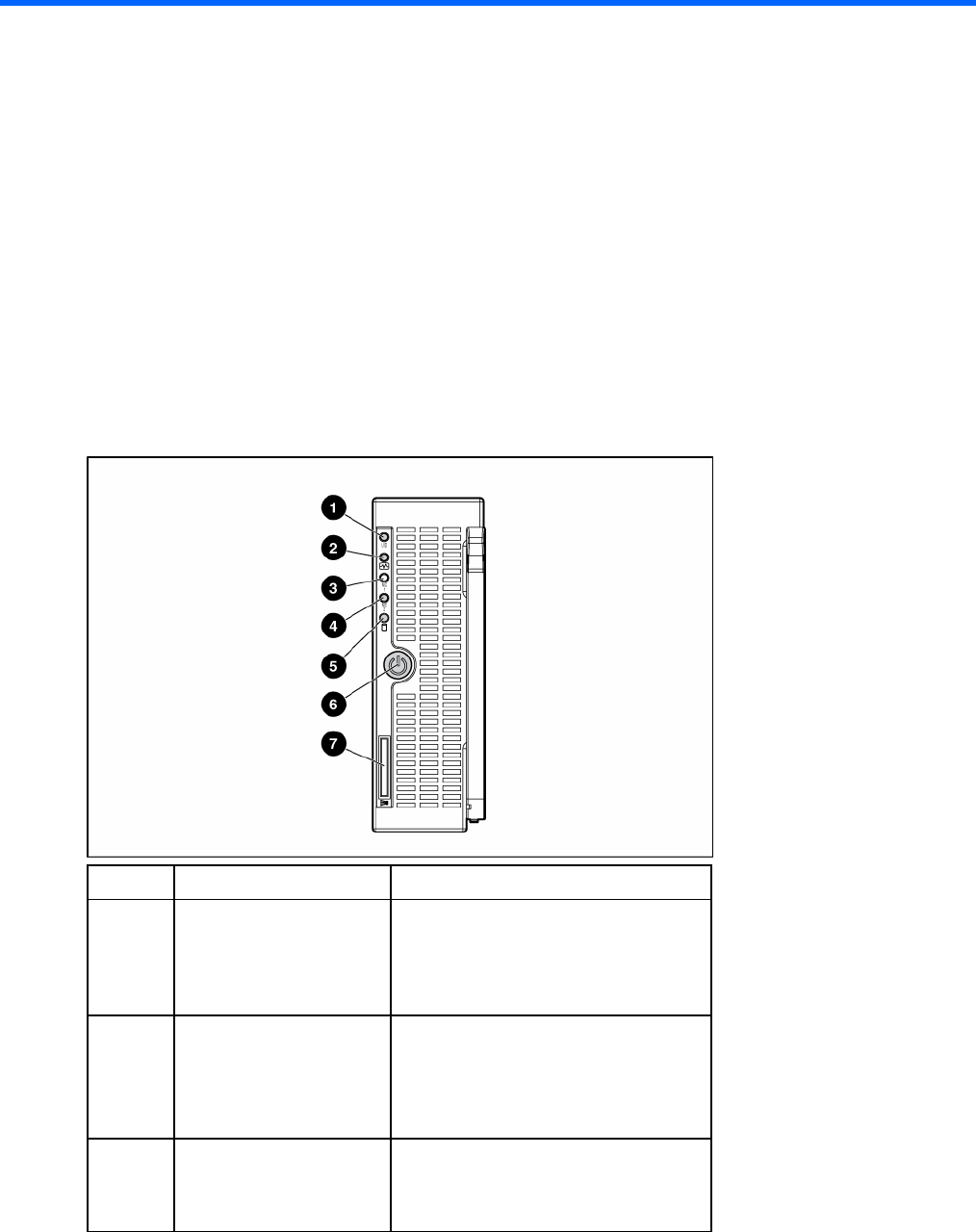
Front panel components and LEDs
Item Description Status
1 UID LED Blue = Identified
Blue flashing = Active remote
management
Off = No active remote management
2 Internal system health LED Green = Normal
Green flashing = Booting
Amber = Degraded condition
Red = Critical condition
3 NIC 1 LED* Green = Network linked
Green flashing = Network activity
Off = No link or activity