
ProLiant BL35p Server Blade Maintenance and Service Guide
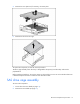
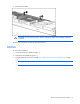
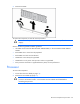
Table Of Contents
- HP ProLiant BL35p Server Blade Maintenance and Service Guide
- Notice
- Contents
- Illustrated parts catalog
- Removal and replacement procedures
- Safety considerations
- Preparation procedures
- ATA drive cage assembly
- ATA hard drive option
- SAS drive cage assembly
- SAS hard drive option
- SAS controller and cables
- Air baffle (dual-core processor models only)
- DIMMs
- Processor
- Fan assembly
- Dual Port Fibre Channel Adapter (2 GB)
- NIC riser board
- Power converter module
- Power button/LED cable
- Server blade handle
- System board assembly
- Server blade blanks
- HP BladeSystem p-Class sleeve
- HP BladeSystem p-Class sleeve board
- Diagnostic tools
- Component identification
- Specifications
- Acronyms and abbreviations
- Index
Removal and replacement procedures 20
4.
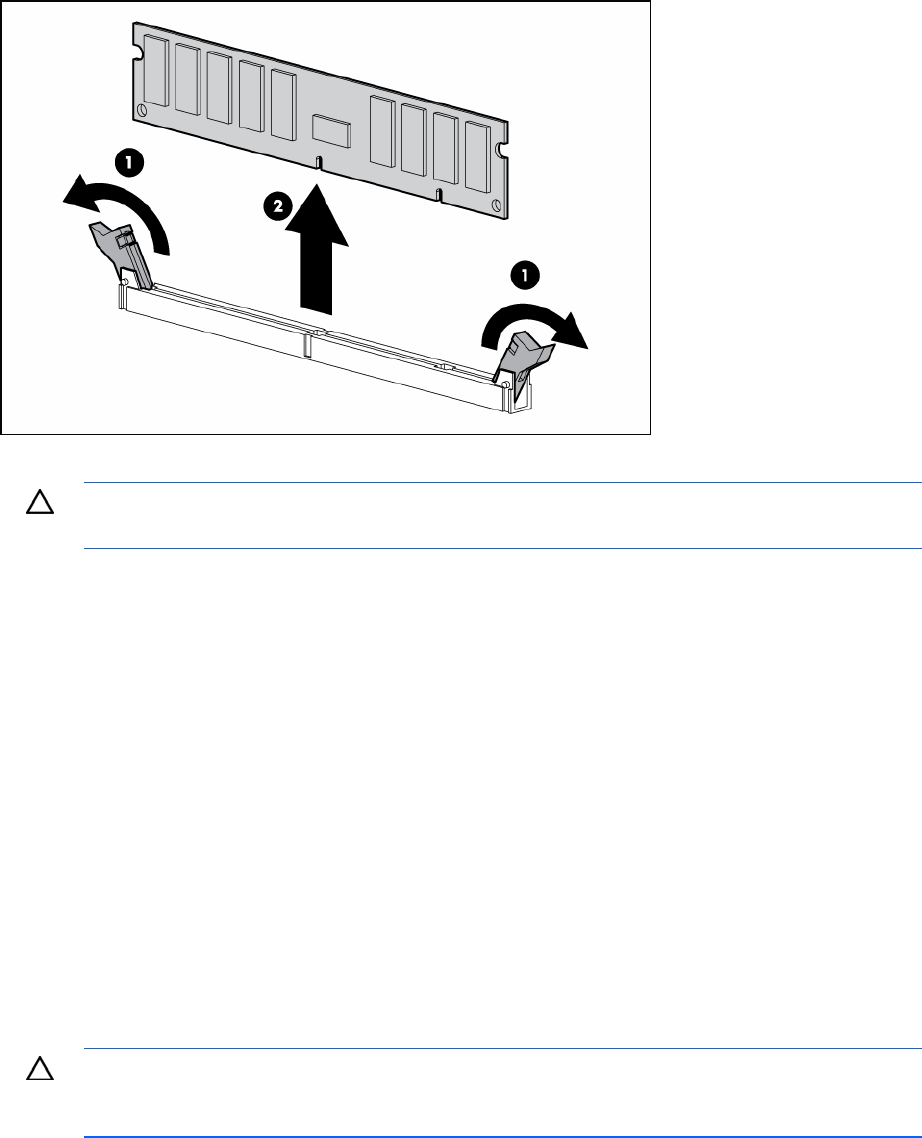
Remove the DIMM.
To replace the component, reverse the removal procedure.
CAUTION: Use only HP DIMMs. DIMMs from other sources may adversely affect data
integrity.
Observe the following DIMM installation guidelines:
• All DIMMs must be PC3200 DDR 400-MHz SDRAM DIMMs, or PC2700 DDR 333-MHz SDRAM
DIMMs.
• Both DIMM slots in a bank must be populated.
• Both DIMMs in a bank must be identical.
• DIMM bank A must always be populated.
• DIMM bank B is only active when processor socket 2 is populated.
• Each processor should have a populated memory bank, for best performance.
Processor
To remove the component:
1. Power down the server blade (on page 13).
2. Remove the server blade (on page 13).
CAUTION: Removal of the processor or heatsink renders the thermal layer between the
processor and heatsink useless. A new heatsink must be ordered and installed before
reinstalling the processor.