
HP ProLiant BL2x220c G7 Server Blade Maintenance and Service Guide


Removal and replacement procedures 35
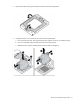
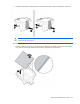
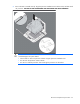
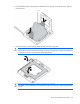
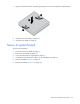
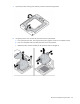
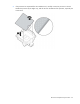
5. Align and install the heatsink. Alternate tightening the screws until the heatsink is seated properly.
6. Install the server B assembly (on page 24).
7. Install the server blade (on page 24).
Server A system board
To remove the component:
1. Power down the server blade (on page 21).
2. Remove the server blade (on page 22).
3. Access the internal server components (on page 23).
4. If installed, remove the server A USB key or SD card adapter (on page 27).
5. Remove all DIMMs ("DIMMs" on page 26).
6. Remove the heatsink ("Heatsink" on page 28).